Speed
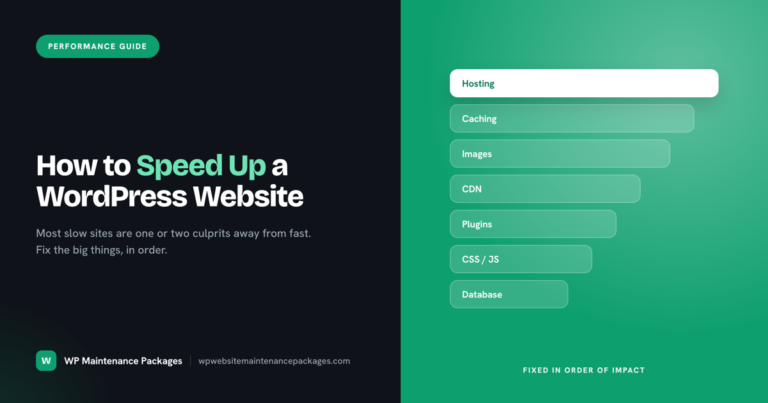
How to Speed Up a WordPress Website
Quick answer: start with quality hosting, add caching, optimise and properly size your images, and use a CDN. Then clean up plugins, minify and defer CSS…
Read morePractical, no-nonsense guidance on keeping WordPress sites secure, fast and profitable, from updates and backups to security, speed and WooCommerce.
Quick answer: start with quality hosting, add caching, optimise and properly size your images, and use a CDN. Then clean up plugins, minify and defer CSS…
Read more
Quick answer: back up off-site first, test updates on a staging copy before the live site, and change one thing at a time so any break…
Read more
Quick answer: website maintenance typically costs $50 to $500 a month depending on the site and who does the work. Simple business sites run $50 to…
Read more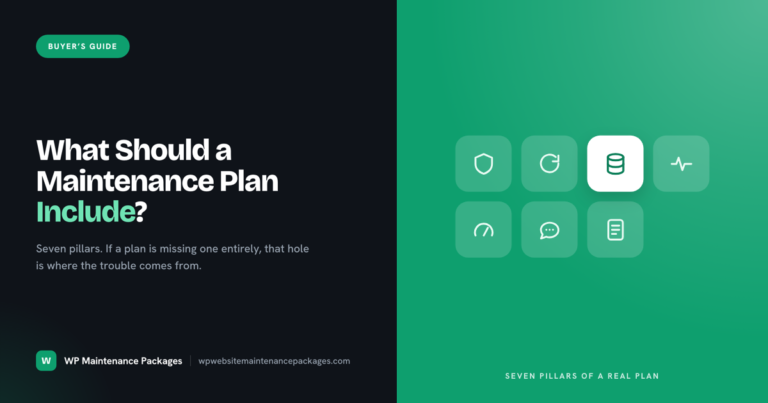
Quick answer: a proper plan includes security, core, plugin and theme updates, daily off-site backups, uptime monitoring, performance checks, error and content fixes, and monthly reporting.…
Read more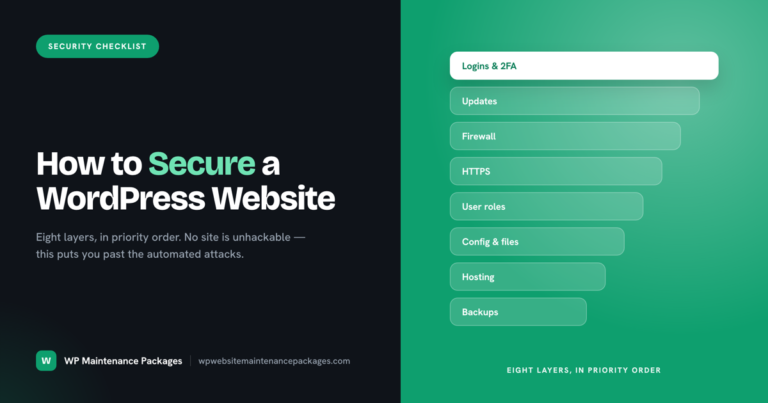
Quick answer: lock down logins with strong passwords and two-factor, keep core, plugins and themes updated, add a firewall, force HTTPS, use least-privilege user roles, harden…
Read more
Quick answer: scan the site to confirm and locate the infection, take a backup of the infected state for reference, then replace WordPress core and every…
Read more
Quick answer: Maintain a WordPress site on a schedule, not all at once. Security updates go on the same day they ship, plugin and theme updates…
Read more
Quick answer: Website maintenance matters because a neglected site slowly becomes a liability: it gets hacked, drops out of Google, goes down without warning, loses leads…
Read more
Quick answer: Website maintenance is the ongoing work of keeping a website secure, updated, backed up, fast and online after it launches. It covers six core…
Read moreWe keep WordPress sites secure, updated, backed up and fast, from $59/mo, no contracts.
See maintenance plans